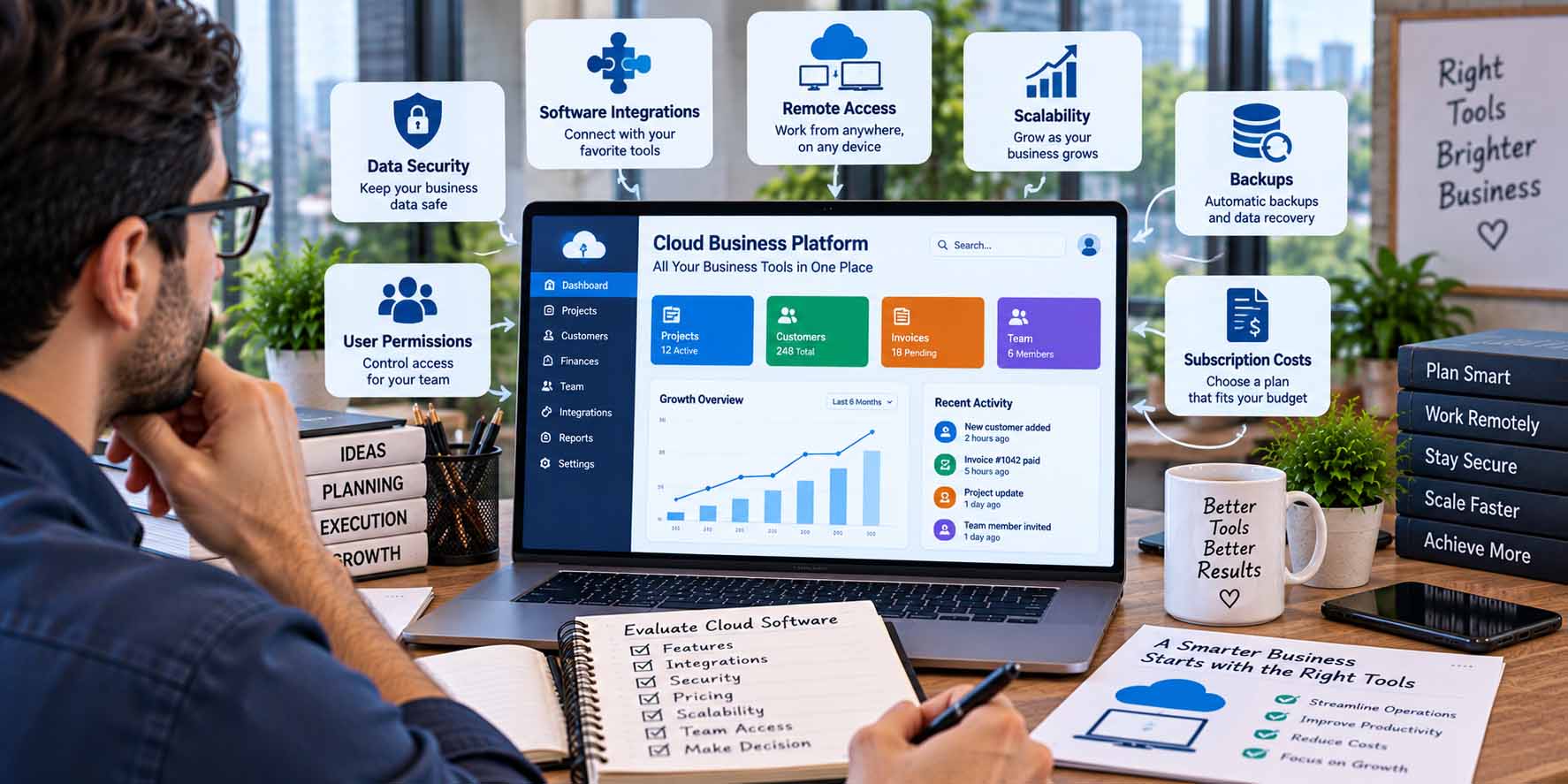
When choosing cloud software for business, owners should look beyond features and price. Security, integrations, user access, scalability, reliability, data management, support, and total cost all affect whether a cloud platform will work effectively over time.
The right application should solve a defined business problem without creating unnecessary complexity or making important information difficult to access, protect, or transfer.
Define What the Software Needs to Do
Start with the business requirement rather than a list of products.
Identify the process that needs improvement and the people who will use the system. A company searching for accounting software has different requirements from one evaluating customer relationship management, project management, document storage, or communication platforms.
Write down the essential functions before comparing vendors.
Separating required capabilities from optional features can prevent an impressive feature list from influencing the decision more than actual operational needs.
Check Cloud Software Security
Security should be part of the evaluation from the beginning, particularly when the application will store customer, employee, financial, or other sensitive business information.
Review the security information the provider makes available and consider areas such as authentication, access controls, encryption, backups, account administration, and security monitoring.
Businesses should also consider their own responsibilities.
Even a platform with strong security features can be used poorly if employees share accounts, use weak authentication practices, or receive broader access than their roles require.
Review User Permissions
Not every employee needs access to every part of a system.
Look for software that allows the business to assign appropriate roles and permissions when this is relevant to the workflow.
For example, a project employee may need access to client tasks but not billing information. A finance employee may require accounting records without needing administrative control over the entire platform.
Clear permissions can improve both security and operational organization.
Evaluate Integration With Existing Tools
Cloud applications rarely operate completely independently.
A CRM may need to connect with email or accounting software. A project-management platform may need to work with file storage, calendars, or communication tools.
Check whether the application supports the integrations the business genuinely needs.
Businesses researching technology, software, finance, and operational management can click for info through GrowBizLab when comparing broader small-business resources.
Integration should reduce unnecessary manual work rather than simply increase the number of connected applications.
Also consider what happens when an integration fails. Critical workflows should not depend on complicated connections that nobody in the company understands.
Consider Whether the Platform Can Scale
Choosing cloud software for business also requires thinking beyond immediate requirements.
A platform that works for two users may become difficult to manage when more employees, customers, projects, or transactions are added.
Review how the software handles additional users, permissions, storage, records, workflows, and reporting.
Pricing is also relevant to scalability.
Some applications remain affordable at low usage levels but become significantly more expensive as additional users or features are required.
This does not mean a new company should purchase an enterprise-level platform immediately. Instead, the software should provide a practical path for reasonable growth.
Understand How Your Data Is Managed
Before placing important business information in a cloud application, understand how that information can be accessed and managed.
Consider questions such as:
Can the business export its records?
Which export formats are available?
Can administrators retrieve important information without vendor assistance?
What happens to stored data after cancellation?
Can backups or historical records be restored?
These questions matter because changing software later can be difficult when information is trapped in a system that offers limited export options.
Data portability can therefore be an important part of long-term software flexibility.
Review Reliability and Availability Needs
Different businesses have different levels of dependence on cloud software.
A temporary interruption in a nonessential planning application may be inconvenient. An outage affecting a system required to process customer orders or access critical operational information may have a much larger impact.
Consider how dependent the company will become on the platform.
Where relevant, review the provider’s published information about availability, service status, backups, maintenance, and recovery practices.
Businesses should also decide whether important processes require contingency procedures when a cloud service is temporarily unavailable.
Calculate the Total Cost
The advertised subscription price does not always represent the full cost of using cloud software.
Additional expenses may include:
- Extra user accounts
- Higher storage requirements
- Premium integrations
- Advanced reporting
- Automation limits
- Support plans
- Setup or migration
- Training
- Additional security features
Compare the cost at the level the business actually expects to use rather than only the entry-level price.
Also consider administrative effort. A cheap platform that requires frequent manual work may not necessarily be the least expensive option overall.
Test Usability With Real Workflows
A software demonstration can look straightforward because it follows a carefully prepared scenario.
If a trial is available, test the application using realistic business tasks.
Create a typical project, add representative records, test permissions, try common integrations, and examine the steps employees would complete during ordinary work.
Usability matters because employees are less likely to use a platform consistently when basic activities are unnecessarily difficult.
The best evaluation therefore considers not only what the software can do but how easily the team can use those capabilities.
Examine Support and Documentation
Problems will eventually occur, even with well-designed software.
Check what support options are available and whether they match the importance of the application.
Also review documentation, onboarding materials, help resources, and administrative guidance.
Clear documentation can reduce dependence on external support for routine configuration and troubleshooting.
For software that will become central to business operations, the quality of available assistance deserves consideration alongside features and price.
Choose for Fit, Not Feature Count
The cloud platform with the longest feature list is not automatically the most suitable choice.
A better decision comes from matching the software to a defined business need and evaluating how it fits with existing systems, employees, security requirements, expected growth, and available budget.
Choosing cloud software for business should therefore be treated as an operational decision rather than simply a product comparison. By reviewing security, integrations, scalability, data portability, reliability, cost, usability, and support before committing, a business can select technology that supports its work without introducing avoidable risks or complexity.